Choosing a battle style

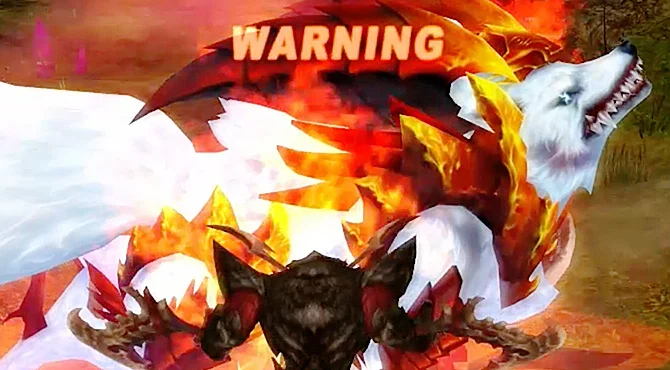

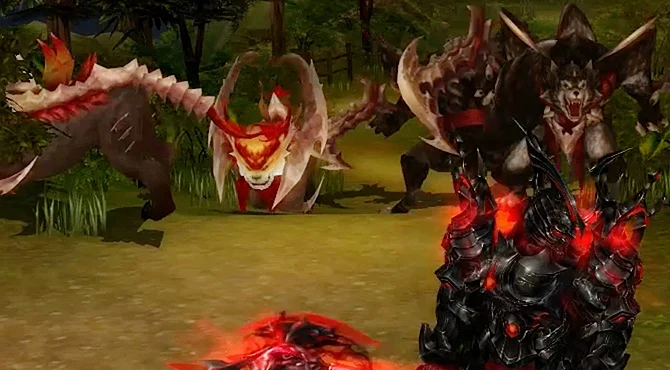
There is no single best class: every battle style has strengths and weak spots. A fan guide suggests the Warrior as one of the easier picks for a first character. Your class also decides which of the three starting maps you wake up in. The three maps are joined by the Warp Gate, so you can walk between them.
| Starting map | Battle styles that start there |
|---|---|
| Bloody Ice | Warrior, Force Shielder, Gladiator |
| Desert Scream | Blader, Wizard, Dark Mage |
| Green Despair | Force Archer, Force Blader, Force Gunner |
Fighting basics
- Auto attack: in the Game Option window (shortcut O) you can switch on Auto Attack, so a right-click keeps attacking the target. A fan guide advises leaving it off at first until you understand the fights.
- Potions: in the classic official guide, HP potions are never drunk on their own, so put them on a shortcut key. MP potions are used automatically whenever your MP runs low.
- Skills: open the skill window with K and drag skill icons onto the quick slots. The function keys are the default shortcuts, but an option lets you use the number keys instead.
- SP (Spirit Points): you gain SP from normal attacks, skills and combos. The SP bar sits in the character window at the top left; once your battle style level is high enough, a full bar lights a lamp that lets you start a Battle Mode or Aura (see Battle Modes and Combo Mode).
- Buffs: your active buffs show as icons on the right of the screen; right-click one to remove it.
Stats and skill rank
Each level gives points to spend on STR, INT and DEX. A fan guide reminds new players that stat and skill choices can be undone, so a mistake early on is not the end of your character. Your official recommended split is listed on each class page.
To learn stronger skills you must raise your skill rank by earning skill EXP, which comes from using skills. In the classic game players trained on the Training Dummies in Green Despair, Bloody Ice and Desert Scream, using two or three fast Novice spells such as Magic Arrow, Aqua Arrow and Wind Arrow while wearing Adept gear that adds skill EXP. Equipping a skill needs the right skill rank, enough skill points and a free slot in the skill window.
What to do with early loot
| Level | Fan-guide advice (classic game) |
|---|---|
| 1–25 | Little of value drops. Focus on quests, levels and your skills. |
| 26–50 | Items other players want start to drop, such as low-grade Upgrade Cores and Force Cores. Keep small Aramid and Shadowsteel pieces (gloves, helmets, boots); sell big pieces and Bluestin items to NPCs. |
| 50–75 | Break down the saved Aramid and Shadowsteel items and keep crafting materials such as Discs and Shape Cartridges. |
Keyboard controls
| Key | Action |
|---|---|
| W / S | Move forward / backward |
| A / D | Turn left / right |
| Q / E | Step sideways left / right |
| F1 – F4 | Switch skill bar sets |
| Ctrl + A | Auto attack on / off |
| Tab | Target a nearby enemy (also middle mouse button) |
| Page Down | Change camera mode |
| Space | Pick up items |
| Enter | Chat |
| X | Temporary inventory |
| G | Friends list, guild tab |
| Alt | Show every player's title |
| Alt + Enter | Full screen / window |
Guilds and duels
Joining a guild early helps: members can explain a quest you are stuck on and give you people to play with. To duel someone, step outside town, click the player, open the menu next to their name and choose to request a PvP. Cast your buffs before you accept, because the fight begins after a 5-second countdown. Full rules are in PvP & PK.
Sources
- Cabal Wiki: Newbie guide
- Cabal Wiki: Basic but essential needs
- Cabal Wiki: Keyboard Controls
- Cabal Online Europe (archived official guide): Battle System
- Wikipedia: Cabal Online
- Cabal Wiki: Warrior
- Cabal Wiki: Blader
- Cabal Wiki: Wizard
- Cabal Wiki: Force Archer
- Cabal Wiki: Force Shielder
- Cabal Wiki: Force Blader
- Cabal Wiki: Gladiator
- Cabal Wiki: Force Gunner
- Cabal Wiki: Dark Mage
Game pictures: © ESTsoft / ESTgames · cabal.playthisgame.com