29 Oct 2026
What it is
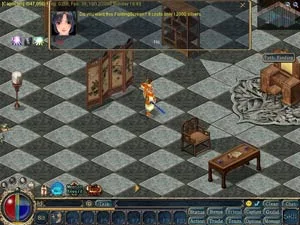
Your house can feel empty after you upgrade it. Furniture fills it up and makes it feel like home. You buy pieces from the Furniture NPC in Twin City (281,270) and place them yourself.
Placing and removing
| Step | Place a piece | Remove a piece |
|---|---|---|
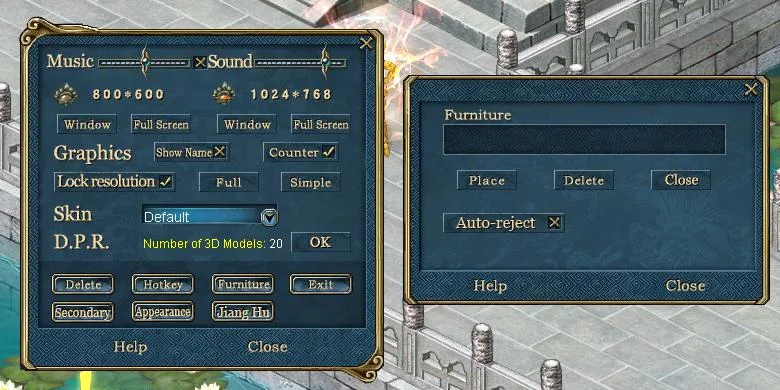
| 1 | Go into your house and right-click the furniture in your bag. | Go into your house and click Setting, then Furniture, to open the window. |
| 2 | Left-click the spot where you want it, or right-click to cancel. | Click Delete and pick the piece to remove, or right-click to cancel. |
| 3 | Once placed, it stays in that spot for good. | The removed piece is destroyed and cannot be recovered. |
How much fits
Upgrading your house lets you place more furniture. The official guide gives these limits for the larger houses:
| House | Furniture pieces |
|---|---|
| Class 4 | 10 |
| Class 5 | 12 |
Before an upgrade, pack up your furniture first: click Setting, then Furniture, then Close. The upgrade steps are in Class 3 & Class 4 House, and a Class 6 house from Deluxe House Building can even turn grown pets into furniture.
Sources
Game pictures: © TQ Digital / NetDragon · co.99.com