TOPCONQUERS

Installing patches

How to download a game patch by hand, where to save it and how to run it so your Conquer Online client is up to date.

Installing patches
29 Oct 2026

Download the patch

  • Open the official patch download page (linked in the sources below).
  • Click the name of the patch you need and the download starts. You can also right-click it and choose Save As.
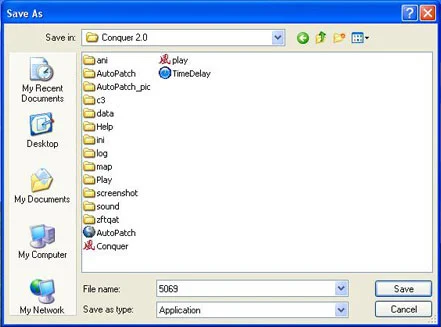
  • Pick the Conquer folder (where the game is installed) and click Save.
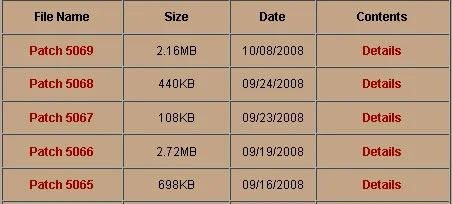
The official patch list
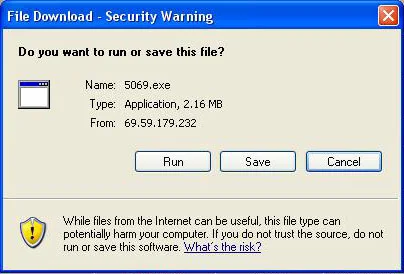
The download prompt asking whether to run or save the patch.
Saving the patch in the Conquer folder
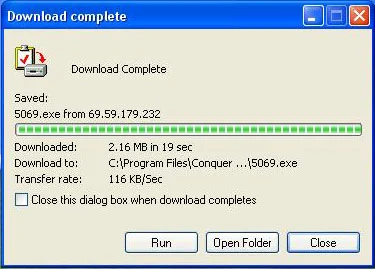
The download is complete

Run the patch

Find the patch file inside the Conquer folder and double-click it. It installs by itself; when it finishes, start the game as usual. A fresh install is covered in Installing the game.
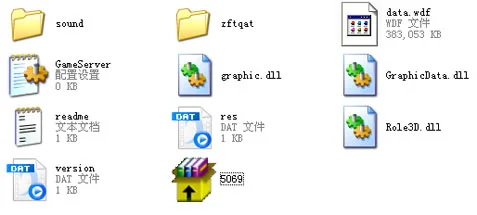
The patch file inside the Conquer folder, ready to double-click.

Sources

Game pictures: © TQ Digital / NetDragon · co.99.com

Related articles