29 Oct 2026
Opening your stall
| Step | What to do |
|---|---|
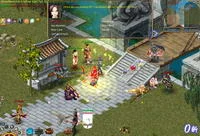
| 1 | Find the Conductress standing by any town's gate and ask her to take you to the Market. |
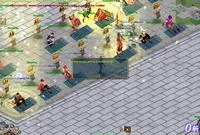
| 2 | Go to the vending area and click the shop flag of an empty booth to start vending. |
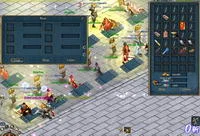
| 3 | Click your stall: your bag and the shop window open. Drag in the items you want to sell and give each a price. |
Attracting buyers and closing
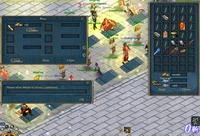
- Hawk: click this button and write a short advert. Your words appear above your stall, as if you were calling out to buyers.
- Settle: click it to stop vending.
PK is forbidden in the Market, so you can sell in peace. For quick sales to NPCs see Buying and selling, and for direct trades with a player see Shops, trading and the warehouse.
Sources
Game pictures: © TQ Digital / NetDragon · co.99.com