29 Oct 2026
What it is
Searching a big city for one NPC can take ages. Path Finding does the walking for you: choose where you want to go, and your character follows the route on its own while you watch.
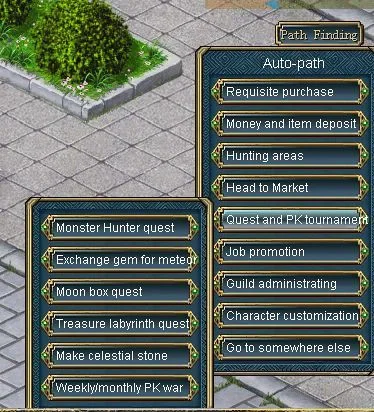
How to use it
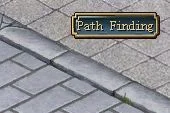
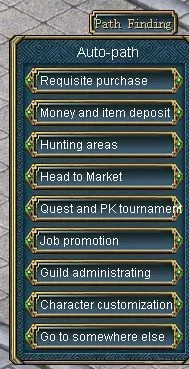
- 1. Click the Path Finding button under the minimap to open the panel.
- 2. Move the cursor over a target to see its details.
- 3. Select the destination and your character starts walking.
- 4. To stop, click on the ground and agree to the message that asks if you want to stop.
Sources
Game pictures: © TQ Digital / NetDragon · co.99.com