29 Oct 2026
The main screen
- HP is your health: at 0 your character dies, so drink potions in time. MP powers magic skills, and Stamina is spent by some skills.
- XP circle: when it turns fully gold, XP buttons appear in the corner. Click one to use that XP skill.
- Skill bar: holds your shortcut slots, skill button and experience bar. Drag items or skills onto it and press the matching key.
- Also on screen: your coordinates, the chat bar, system messages, the event bulletin, pathfinding for the current map, and icons for your active buffs.
The minimap shows who is around you with these symbols:
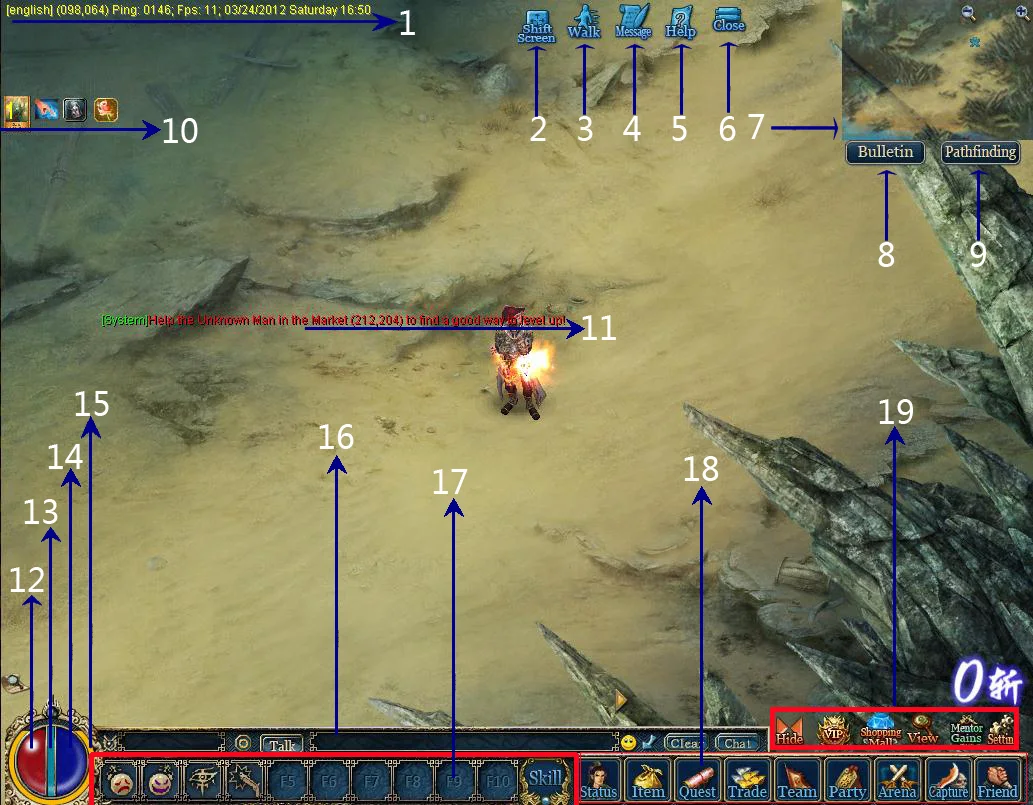
| Symbol | Who |
|---|---|
| Blue star | You |
| Purple star | A teammate |
| Gold star | Your team captain |
| Green diamond | A friend |
| Red heart | Your spouse |
| Skull | An enemy |
The function buttons
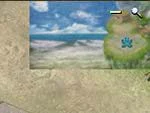
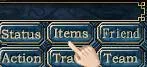
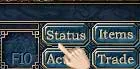
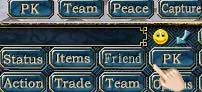
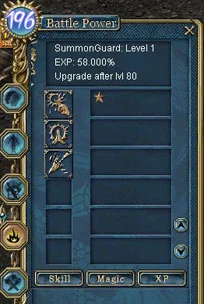
- Status: your Battle Power, attributes, gear, skills, weapon proficiency and sub-classes.
- Items opens your bag. Friend shows friends, mentor, enemies and partners. Group shows your guild and clan. Quest lists your quests.
- The PK mode button switches between PK, Team, Peace and Capture modes.
- Trade, Team and Options do what they say. Arena holds all the PK tournaments.
- A second group has Hide (hides all buttons), VIP, the Shopping Mall for CPs, View (inspect other players), Mentor Gains and Settings.
The Status window
| Attribute | What it does |
|---|---|
| Strength | Attack damage. Weapons need a minimum. |
| Agility | Attack accuracy. Weapons need a minimum. |
| Vitality | Raises HP: the higher it is, the harder you are to kill. |
| Spirit | Magic power. |
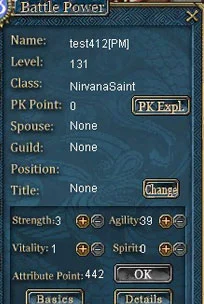
- The details show Attack and Defence (physical) and M-Attack and M-Defence (magic). Your PK points and guild position are listed here too.
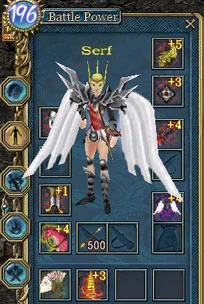
- Equipment: drag gear from your bag onto a slot, or right-click it in the bag. Double-click worn gear to take it off.
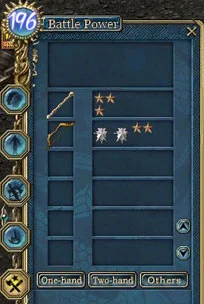
- Other tabs list your skills and weapon skills with their levels and experience, your sub-classes, achievement points, and the Chi and Jiang Hu systems.
Moving and quick keys
- Walk: click where you want to go and your character finds the way around obstacles.
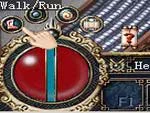
- Run: click the small icon in the lower-left corner to switch between walking and running.
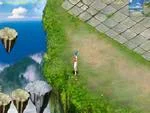
- Jump: hold Ctrl and left-click the ground. Every character can make huge leaps, in the style of ancient Chinese heroes.
- Quick slots: drop potions, revive items or skills into the F1–F10 slots and press that key to use them.
- Experience bar: click it to show how much experience you need for the next level. When it fills with green, you level up with full HP and bonus attribute points.


Your first steps
| Step | What to do |
|---|---|
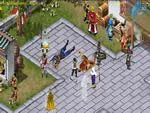
| 1 | Walk to the Birth Village and talk to each NPC there, one by one, to learn the controls. Taoists learn their spells from the Taoist Star. |
| 2 | Talk to the Know-It-All to leave the village and travel to Twin City. |
| 3 | Explore the city: buy from merchants, store items and silver in the warehouse, and get healing and mana potions from the Pharmacist. See Shops, trading and the warehouse. |
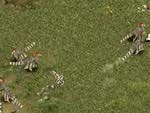
| 4 | Head out of the main gate. Pheasants live on the plains to the south, and turtledoves further south. Read Combat, Battle Power and PK jail before you start. |
Sources
Game pictures: © TQ Digital / NetDragon · co.99.com