Create an account
Making an account on the Ragnarok Online website costs nothing. Read the User Agreement, then fill in your details accurately; the official guide asks for your real name. For the international version (iRO), the classic iRO Wiki describes the steps: register a Warp Portal account, add a new Ragnarok game account under Game Accounts, then confirm it through the e-mail you receive.
Download and install
- Download the game client from the official site; it is open to everyone. Saving it on the Desktop makes it easy to find, and the download can take from a few minutes to longer depending on your connection.
- Run the setup file (RAG_SETUP), accept the User Agreement and choose a folder; the guide recommends keeping the default Gravity folder.
- When installation ends, a setup window opens. Check the recommended system requirements; the guide suggests leaving every option at its default except the screen resolution.
Log in and choose a server
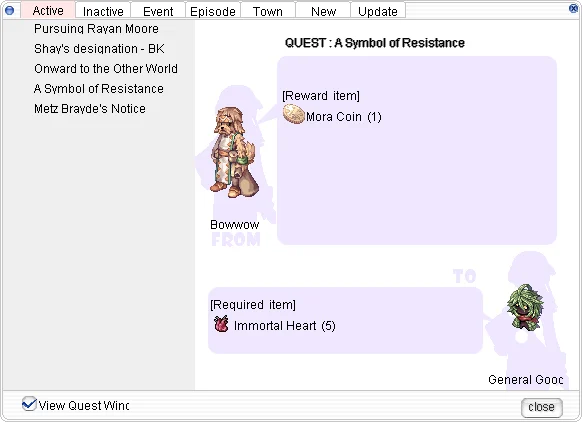
When you start the game, the patcher first downloads any updates and shows the latest notices. On the login screen, enter the same account name and password you use on the website. An account can only be logged into one server at a time; after login you pick a server from the list and reach the character selection window, which has empty slots for your characters (five in the official guide).
Make your character
Choose an empty slot and press Make. You give the character a name and pick a hair style and hair colour; the clothes come later from your class. You also choose a race: Human, who starts as a Novice, or the cat-like Doram, who starts as a Summoner. See Races and Gender.
| Version | Starting stats |
|---|---|
| Renewal (current iRO) | All six stats start at 1; you raise them later with status points. |
| Pre-Renewal (Classic) and the older official guide | You split a fixed set of points between STR, AGI, VIT, INT, DEX and LUK at creation, so plan for the class you want. |
Your first steps
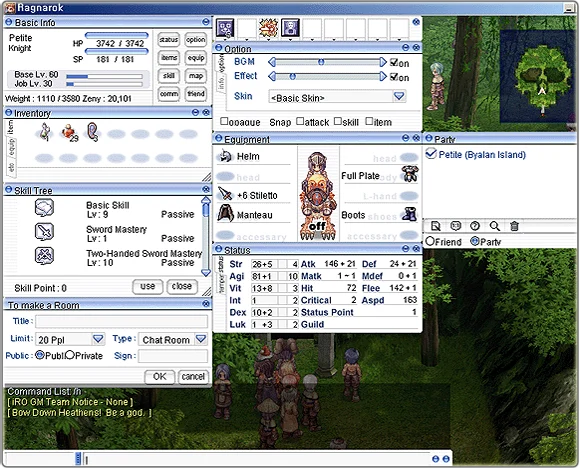
A new Human character starts as a Novice. After a short intro quest (a boat trip to Izlude that ends in a shipwreck), you arrive in Izlude. Head to the Royal Criatura Academy in the north of town: its quests teach the basics, hand out free beginner gear and carry you to job level 10, when you can pick your first class.
A Doram character instead begins in the seaside village of Lasagna, where a chain of introduction quests explains the world and the Summoner's skills before you head to Rune-Midgarts.
Finding your way
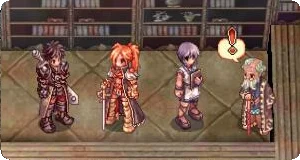
The world is split into towns (safe places to rest and chat), fields just outside the towns where wild monsters roam, and dungeons with tougher fights. If you get lost, type /where in the chat box to see your map name and coordinates, or open the world map.
Every character has a save point, the place you return to when things go wrong. Set it with a Kafra employee in town (see Kafra Services and Travel). You can go back to it by dying, by using a Butterfly Wing, or on some maps by returning to the character select screen. A Novice loses no experience on death and comes back with half its HP.
Sources
- iRO Wiki Classic: Getting Started
- iRO Wiki Classic: Introduction to Ragnarok Online
- Ragnarok Online official game guide: How to Join?
- Ragnarok Online official game guide: How to Download
- Ragnarok Online official game guide: How to Install
- Ragnarok Online official game guide: How to Start
- iRO Wiki: Novice
- iRO Wiki: Training Grounds
- iRO Wiki: Summoner
Game pictures: © Gravity Co., Ltd. · playragnarok.com