29 Oct 2026
What it is
A broadcast is a server-wide announcement. Normal chat only reaches the people around you or a group, but a broadcast appears for every player on the same server, which makes it useful for big trades, guild recruiting or event calls.
Sending a broadcast
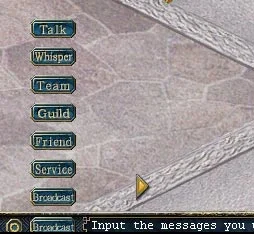
- 1. Pick the Broadcast chat channel.
- 2. Type your message in the chat box.
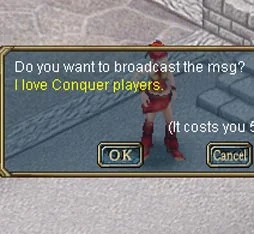
- 3. Click Yes to send it. It costs 5 CPs.


Checking the line
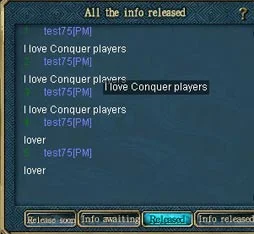
Click Check broadcast messages to open the broadcast window. It has four tabs:

| Picture | Tab | Shows |
|---|---|---|
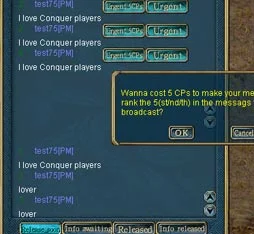 | Release Soon | Every message waiting in the line |
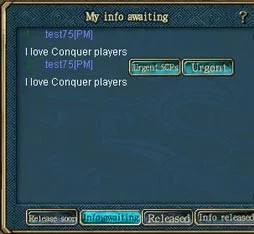 | Info Awaiting | Your own waiting messages |
| Released | Your messages that have already gone out | |
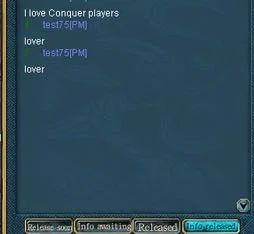 | Info Released | All broadcasts already sent |
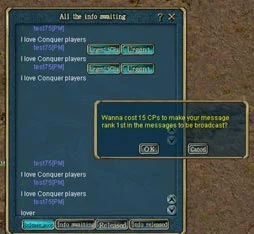
In Release Soon you can hurry your message: Urgent for 5 more CPs moves it up 5 places, and 15 CPs puts it first in line.
Sources
Game pictures: © TQ Digital / NetDragon · co.99.com