29 Oct 2026
What it is
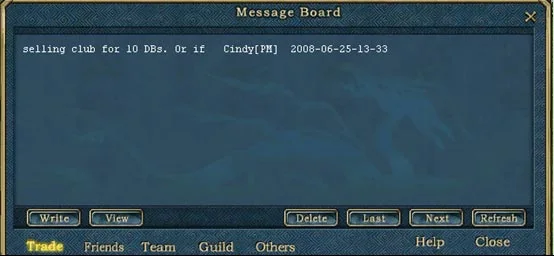
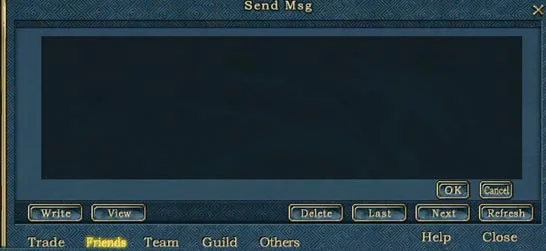
The Message Board is a notice board inside the game. Unlike chat, a post stays up for others to read later, so it is a good way to advertise an item, look for a team or invite new friends while you are busy hunting.
The five channels
| Channel | Use it for |
|---|---|
| Trade | Buying and selling offers (see Shops, trading and the warehouse) |
| Friends | Making friends, nothing else |
| Team | Finding a team, for example with stronger players |
| Guild | Notes that only your guildmates can read (see Guilds) |
| Other | Anything else |
Posting and reading
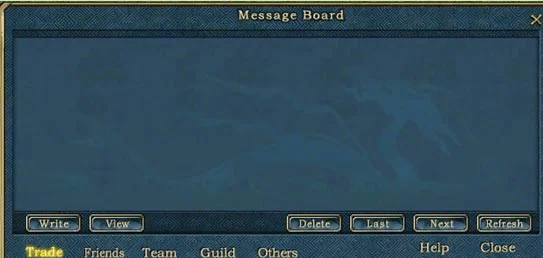
- To post: click Message, choose a channel, click Write, type your text and press OK.
- To read: pick a channel to see what was posted there.
- Long posts are cut short in the list: click one and press View to read all of it.
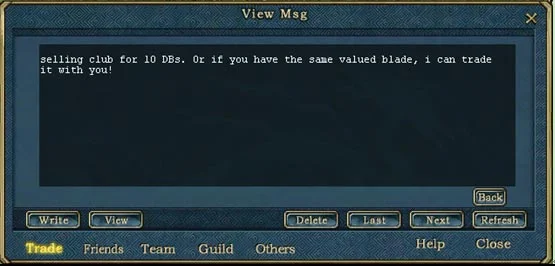
Tip: since only your last post per channel shows, write your full offer in one message instead of posting several small ones.
Sources
Game pictures: © TQ Digital / NetDragon · co.99.com