29 Oct 2026
Making or joining a team
- Create: make a new team and you become its captain.
- Join: click this button, then the captain (the player with a star above the head). You are in only once the captain accepts.
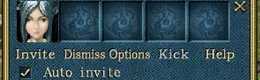
- Auto join sends your request to a nearby captain for you, and Auto invite sends invitations to nearby players. Reject Auto-invite blocks those automatic invitations.
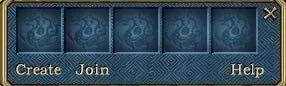
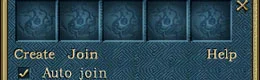
The team buttons
| Button | Who | What it does |
|---|---|---|
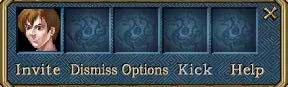
| Invite | Captain | Click it, then a player, to invite them |
| Kick | Captain | Click a member's portrait, then Kick |
| Dismiss | Captain | Breaks up the team |
| Options | Captain | Decides whether members may pick up each other's loot |
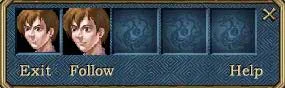
| Follow | Member | Follows the captain |
| Exit | Member | Leaves the team |
Sources
Game pictures: © TQ Digital / NetDragon · co.99.com