Moving around
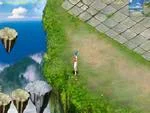
- Walk: click where you want to go and your character finds the way around obstacles.
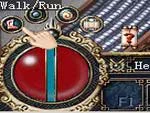
- Run: click the small icon in the lower-left corner to switch between walking and running. Running gets you there faster.
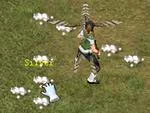
- Jump: hold Ctrl and left-click the ground. Every character can make huge leaps, in the style of ancient Chinese heroes.
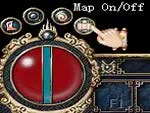
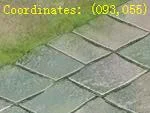
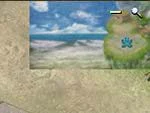
To find your way, use the minimap (Map On/Off shows or hides it, and the blue figure is you) and the coordinates on screen, which give your exact position. Quests often send you to given coordinates to find an NPC or an item.
The Birth Village and your settings
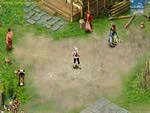
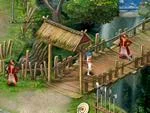
- Walk to the Birth Village and click each NPC there, one by one, to learn the controls and skills. Taoists learn their spells from the Taoist Star.
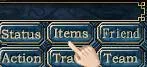
- Open your backpack to see what you carry and right-click an item to equip it (Equipping and removing gear). Status shows your stats, gear and skills (The Status window).
- When you are done, talk to the Know-It-All to leave the village and travel to Twin City.
Exploring Twin City
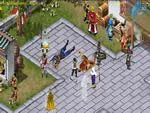
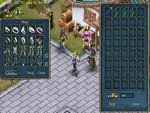
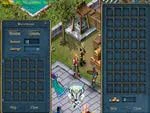
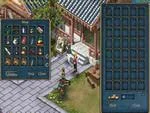
Walk the streets to learn where the merchants are. Items and their powers are at the heart of the game, so the city has many ways to improve them. Buy by right-clicking an item in a merchant's window (Buying and selling), keep items and silver in the warehouse, and get healing and mana potions from the Pharmacist.
Your first monsters
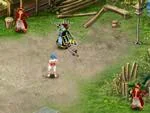
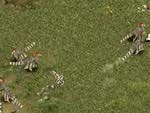
Leave Twin City by the main gate. On the plains to the south live the pheasants, which attack anyone they see, and further south you find the bigger turtledoves.
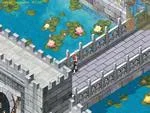
- Click a monster to attack it.
- Some of them drop gold: right-click it on the ground to pick it up.
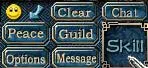
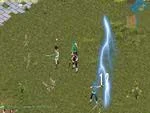
- Click Skill to choose a spell, then right-click an enemy to cast it.
- Right-click a potion to restore HP or mana. More in Combat, Battle Power and PK jail.
Handy everyday controls
- Whisper: type a player's name in the chat bar, write your message and press Enter. Nobody else can read it. All channels are in Chat.
- Quick slots: drop potions, revive items or skills into the F1–F10 slots and press that key to use them.
- Experience bar: click it to show how much experience you need for the next level. When it fills with green, you level up with full HP and bonus attribute points.
- Stuck? Ask other players in the game, or read the other pages of this wiki, starting with Game screen and controls.



Sources
Game pictures: © TQ Digital / NetDragon · co.99.com